

This quick step guide will show you how to setup the SAASPASS mobile app.
- Download and install SAASPASS from your mobile app store.
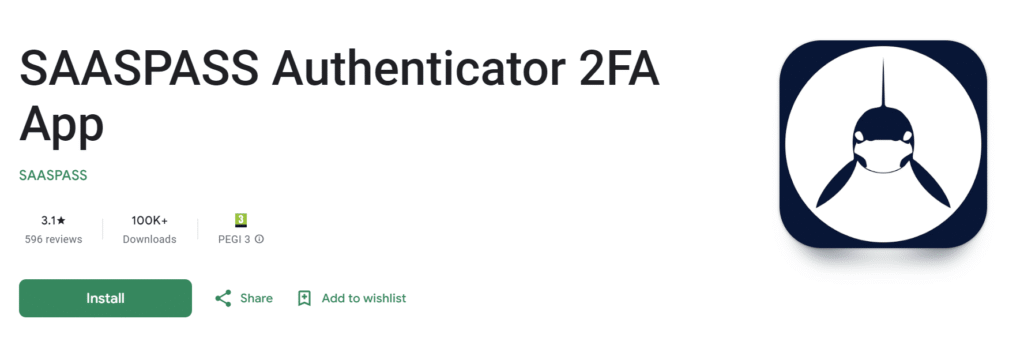
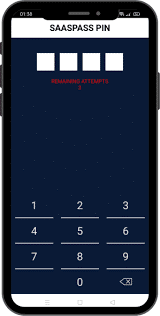
- Open the app and create a PIN.
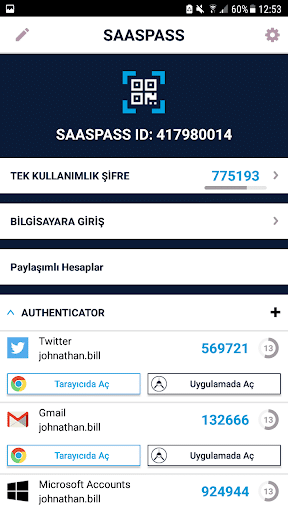
- Click GET STARTED
- Add a recovery number by selecting MOBILE NUMBER in the menu.
- Enter your mobile number and click ADD.
- Once received by SMS text message, add the verification code and click CONFIRM.
- Provide your SAASPASS ID to your company admin to complete onboarding process. (listed at the top of the menu in your app)
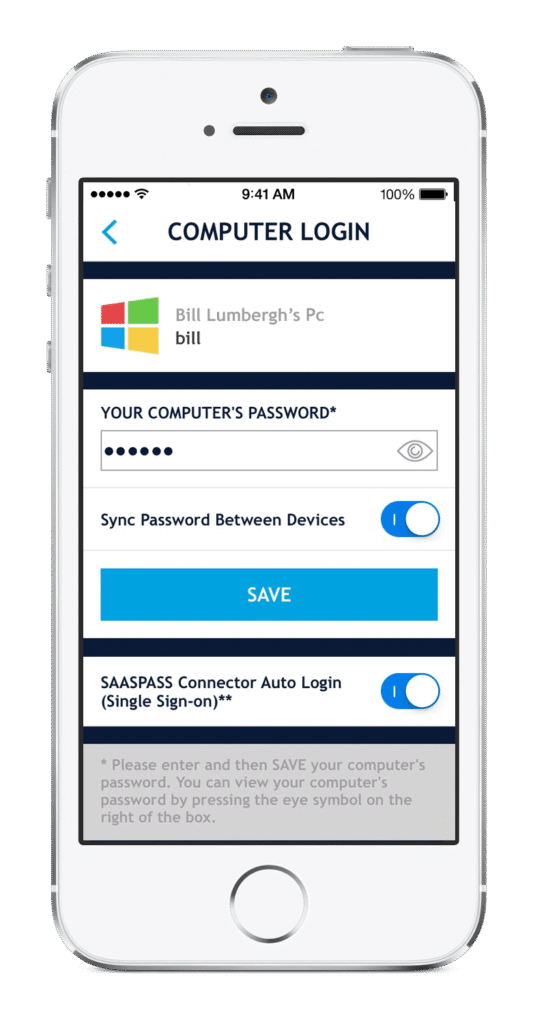
- In computer login section and your computer login password and click save
- You will now be able to scan the QR code and login to your system with SAASPASS app.
If you encounter any issues, please contact Computer Care Support for assistance.